
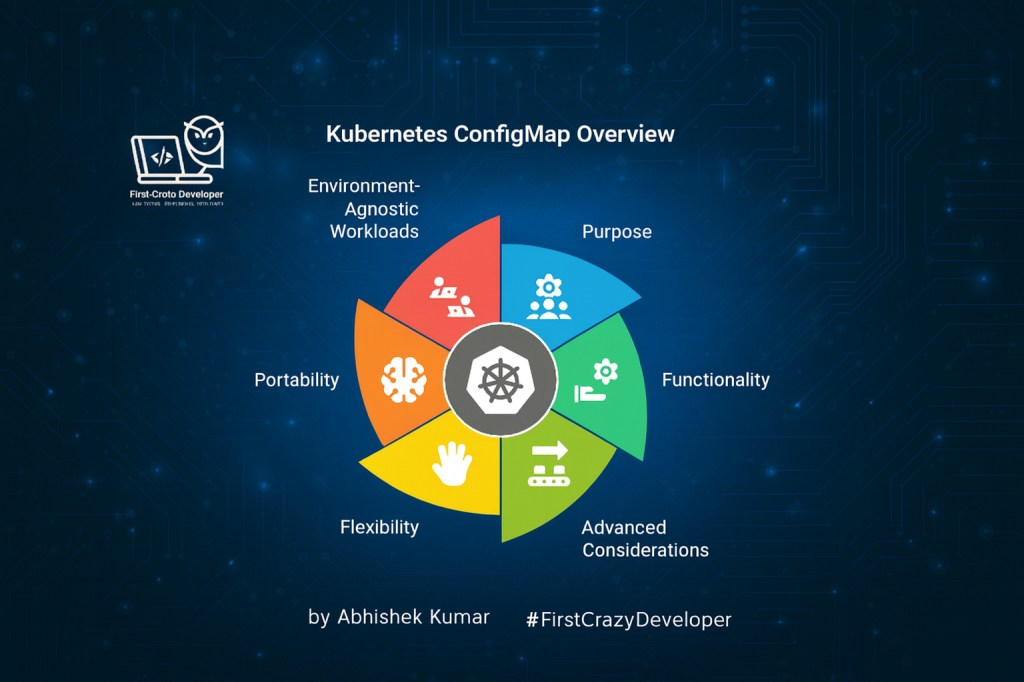
by Abhishek Kumar | #FirstCrazyDeveloper
When you first hear about ConfigMaps, most explanations boil it down to:
👉 “a key-value storage for configs in Kubernetes.”
That’s not wrong—but it’s also just scratching the surface. In real-world clusters, ConfigMaps are much more than that. They are a core building block of application configuration management in Kubernetes, enabling your workloads to stay flexible, portable, and environment-agnostic.
🚀 What a ConfigMap Really Is
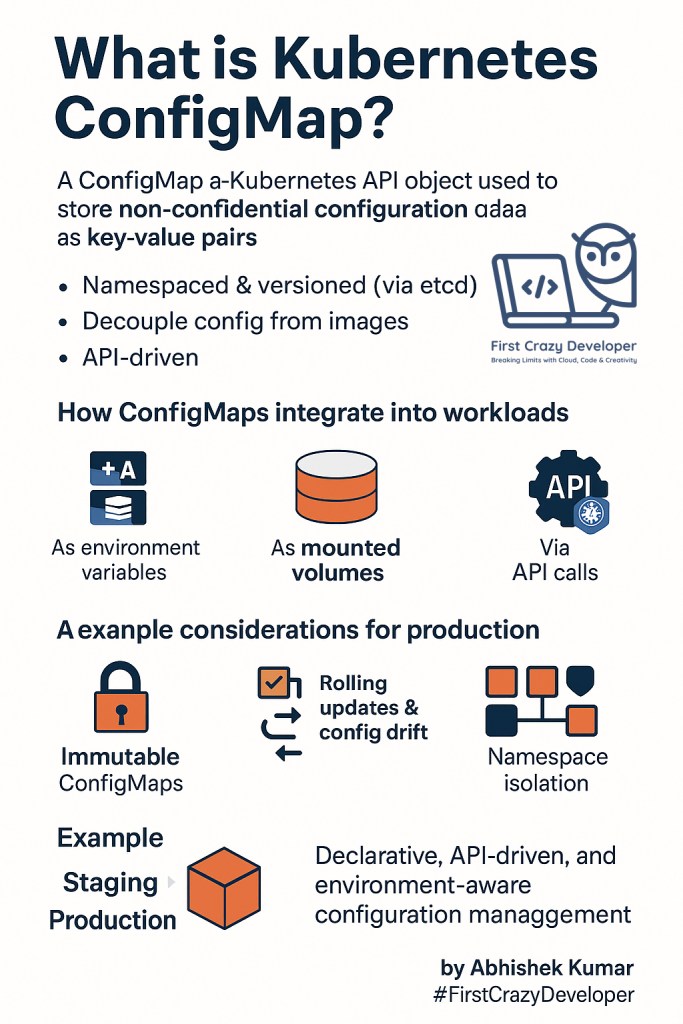
At its core, a ConfigMap is a Kubernetes API object used to store non-confidential configuration data in the form of key-value pairs.
- ✅ Namespaced & versioned – ConfigMaps, like other Kubernetes resources, reside within a specific namespace and are stored in etcd, Kubernetes’ distributed key-value store. This ensures proper isolation and versioning of configurations.
- ✅ Decouples config from images – A key advantage of ConfigMaps is their ability to decouple application configuration from the Docker image itself. This means you can switch environments (e.g., from staging to production) without rebuilding the Docker image, promoting reusability and reducing build times.
- ✅ API-driven – ConfigMaps are managed through the Kubernetes API, allowing for easy retrieval and updates using standard Kubernetes tools and clients. This API-driven approach facilitates automation and integration with other Kubernetes components.
Think of ConfigMaps as your configuration lifecycle manager, separating the app logic from its environment details.
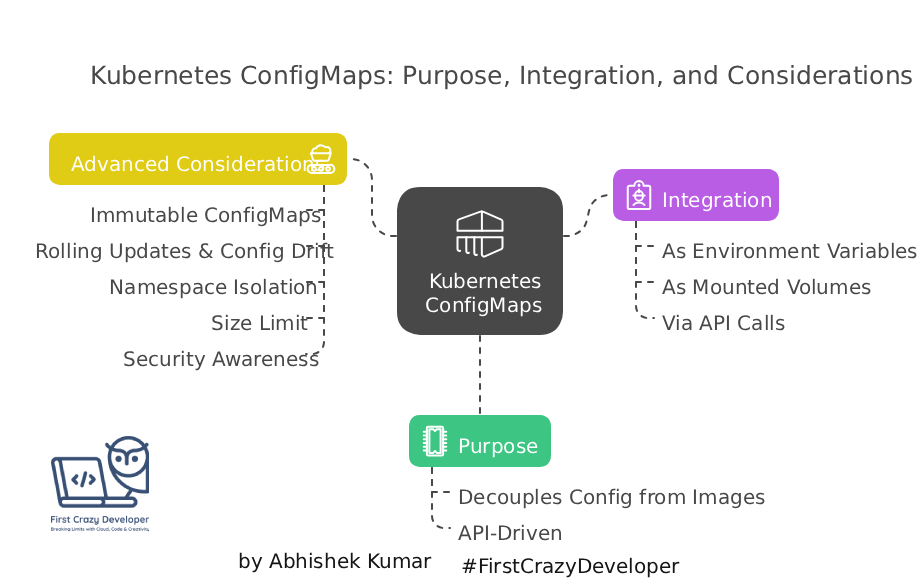
🔗 How ConfigMaps Integrate into Workloads
- As Environment Variables
- Config values get injected directly into a Pod’s environment variables.
- As Mounted Volumes
- Keys from a ConfigMap can be projected as files inside the container.
- Example:
/etc/config/api-urlgets created, and the file content = value.
- Via API Calls
- Applications can read ConfigMaps on-demand using Kubernetes API queries.
- Useful for dynamic configuration without mounting.

⚡ Advanced Considerations for Production
- Immutable ConfigMaps
- prevent accidental changes to configuration data at runtime, you can set the
immutable: truefield in the ConfigMap’s specification. This makes the ConfigMap read-only after creation.
- prevent accidental changes to configuration data at runtime, you can set the
- Rolling Updates & Config Drift
- Updating a ConfigMap doesn’t automatically restart Pods.
- Use hash-based annotations or restart mechanisms for controlled rollouts.
- Namespace Isolation
- ConfigMaps are namespace-scoped.
- Use RBAC policies carefully in multi-tenant setups.
- Size Limit
- ConfigMaps max out at 1MiB.
- For larger configs, rely on volumes or external stores.
- Security Awareness
- ConfigMaps are not encrypted by default.
- Store secrets in Kubernetes Secrets, not ConfigMaps.
🎯A Relatable Example
Consider a scenario where you’re deploying a microservice to both staging and production environments. Both environments use the same Docker image, but they require different API endpoints:
- Staging API:
https://test-api.example.com - Production API:
https://live-api.example.com
Instead of maintaining two separate builds for each environment, you can create two ConfigMaps, one for staging and one for production, each containing the appropriate API endpoint. Then, in your Pod specifications, you simply reference the appropriate ConfigMap based on the environment.
This approach offers several advantages:
- No Rebuilds: You don’t need to rebuild the Docker image when switching between environments.
- No Manual Edits: You don’t need to manually edit configuration files.
- Fully Environment-Agnostic: The application is completely decoupled from the environment-specific details.
📌 Pros & Cons
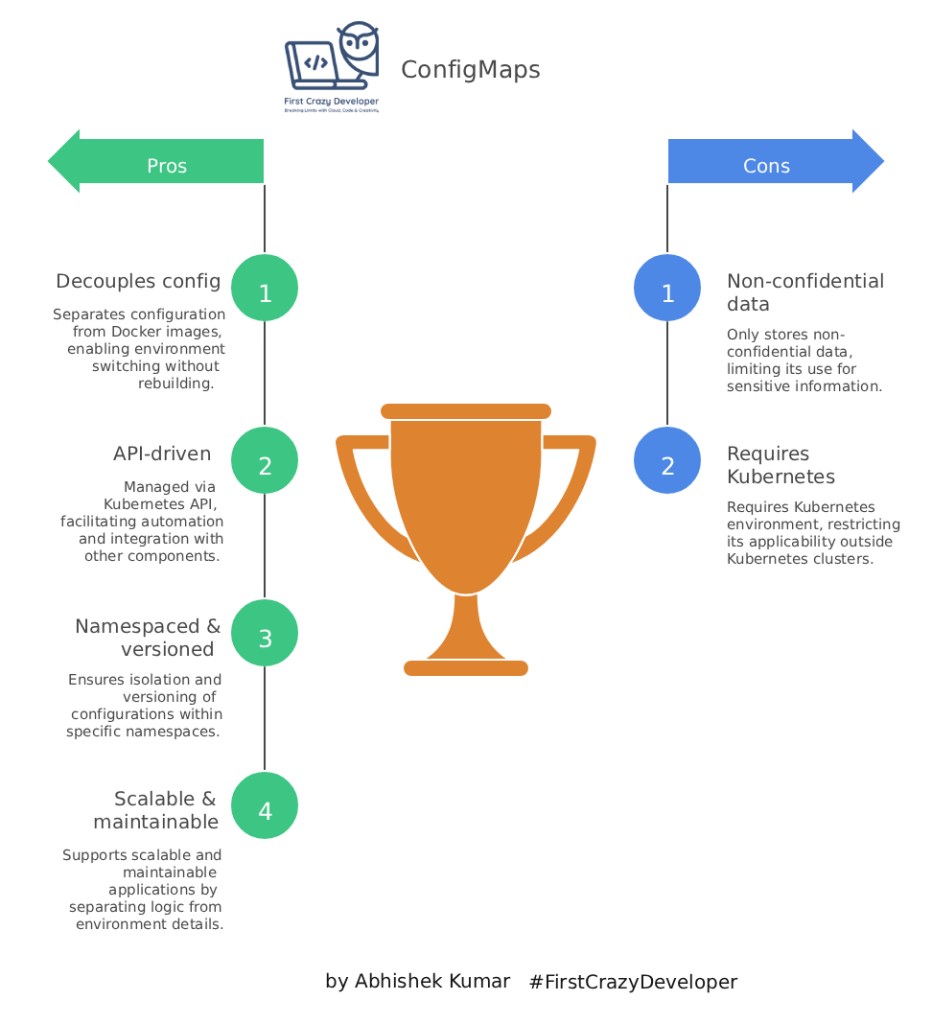
📌 Key Takeaway
Kubernetes ConfigMaps are more than just simple key-value stores. They are declarative, API-driven, and environment-aware tools for managing configuration lifecycles in a Kubernetes cluster.
👉 Treat ConfigMaps like code:
- Version them: Use a version control system to track changes to your ConfigMaps.
- Review them: Have your ConfigMaps reviewed by other team members before deploying them.
- Deploy them with the same discipline as your application: Use a CI/CD pipeline to automate the deployment of your ConfigMaps.
This approach ensures that your configuration is managed in a consistent, repeatable, and future-proof manner, aligning with the principles of Kubernetes.
#Kubernetes #CloudNative #DevOps #Containers #Microservices #FirstCrazyDeveloper #AbhishekKumar
 First Crazy Developer
Leave a comment