🚀 Introduction: Code That Works Is Not Always Code That Wins
Developers often say — “It works on my machine.” But what about your customer’s machine? Your colleague’s branch? Or production at scale?
The truth: Code without tests is like a building without a foundation. It might stand today but collapse under pressure tomorrow.
In modern product development — whether you’re building a .NET API, an Azure Function, or a containerized microservice — Unit Testing and Quality Gates aren’t just good practices — they are your armor against chaos.
💡 Why It’s Important
Writing code without tests is like building a plane without safety checks. Enterprises demand unit tests + quality gates to ensure reliability before production deployments.
In enterprise development, “working code” isn’t enough — what matters is maintainable, testable, and reliable code that scales safely.
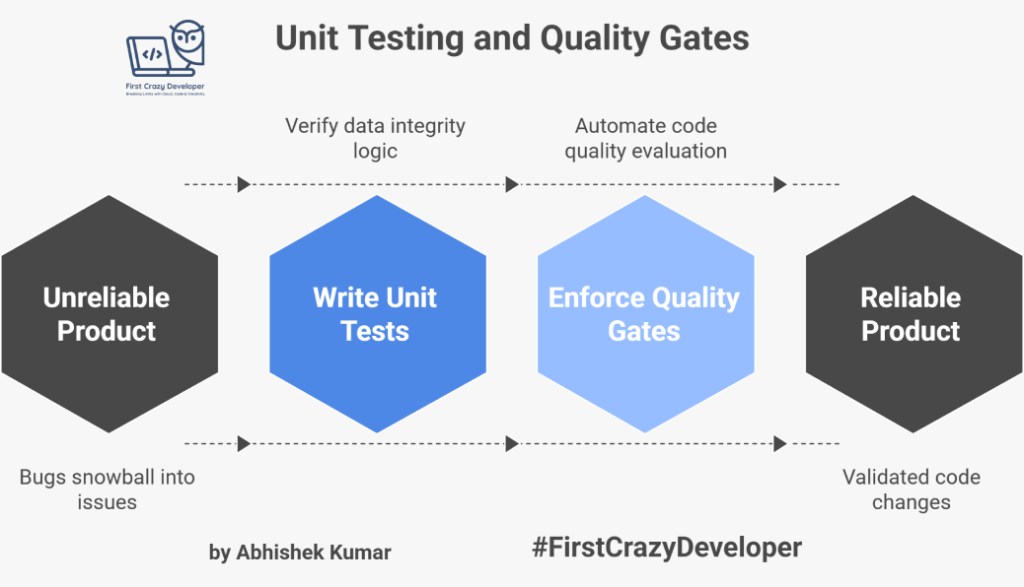
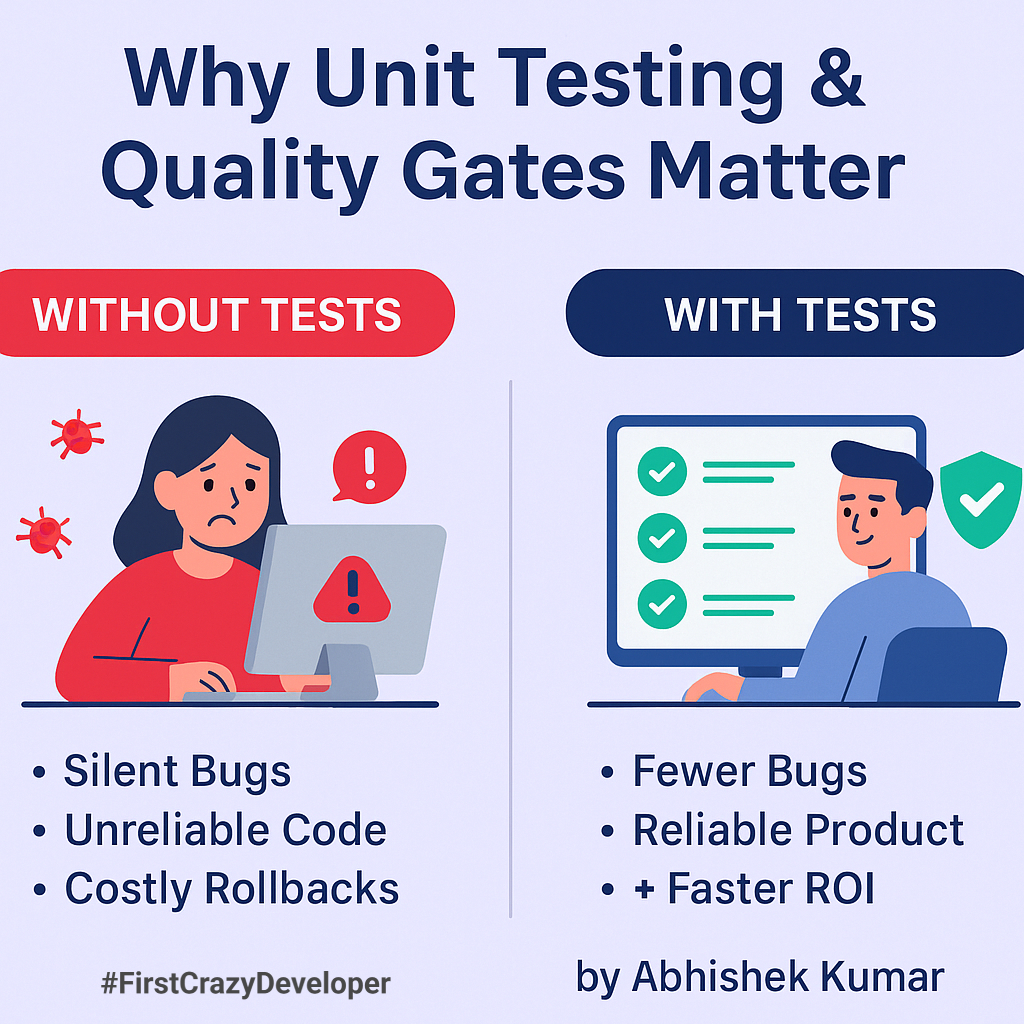
Without testing and quality enforcement, small bugs can silently snowball into massive production issues — especially in large systems integrating APIs, databases, and user workflows.
Unit Testing = Preventing regression before it reaches production Quality Gates = Ensuring only high-standard code is allowed into main branches
⚙️ What Happens Without Unit Tests (Real Story)
Imagine a manufacturing company using a Store Inventory API to track brush, roller, and thinner stocks.
A developer adds a “bulk update” feature to quickly update multiple items. It works fine locally, but they skip writing tests.
Two weeks later, in production:
The “bulk update” accidentally overwrites existing stock quantities.
Warehouse data becomes inconsistent.
The company loses visibility of product stock in 5 plants.
🧯 Root Cause → No Unit Test verifying data integrity logic. ⛔ Result → Unreliable product + rollback + wasted sprint.
⚙️ Why This Matters More Than Ever
Modern teams ship code fast — sometimes dozens of commits per day. In this rush, even a small unchecked bug can ripple across an entire product ecosystem.
That’s why top-performing engineering teams (like Microsoft, Netflix, and AkzoNobel’s Digital Factories) make testing and quality gates non-negotiable.
Because in enterprise systems:
One regression = delayed delivery
One bug = production downtime
One missed validation = millions lost
🧩 Understanding Unit Testing: The Safety Net for Developers
Unit testing ensures every piece of your code works exactly as intended — in isolation.
Think of your codebase as a machine. Each function is a gear. Unit tests ensure every gear turns correctly before assembling the whole machine.
🧪 Example: Store Inventory Logic
public class InventoryManager
{
    private readonly Dictionary<string, int> _inventory = new();

    public void AddItem(string item, int qty)
    {
        if (string.IsNullOrWhiteSpace(item)) throw new ArgumentException("Invalid item");
        _inventory[item] = _inventory.GetValueOrDefault(item, 0) + qty;
    }

    public int GetQuantity(string item) => _inventory.GetValueOrDefault(item, 0);
}
Without a test, you trust that this logic works. With a test, you prove that it works.
Steps & Example
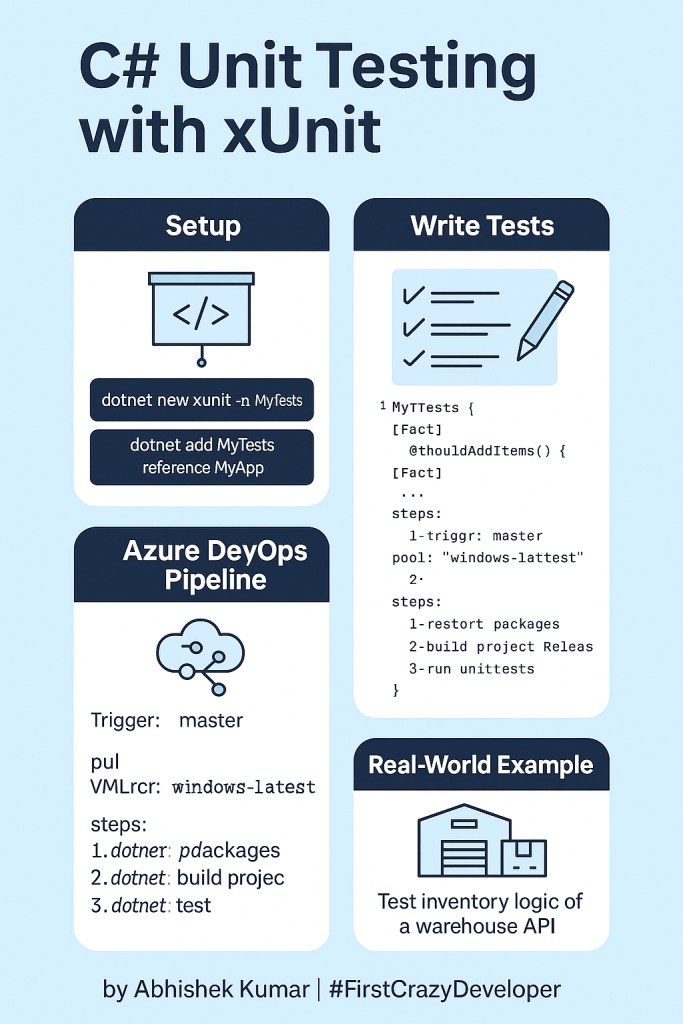
1. Add xUnit to Project
dotnet new xunit -n StoreInventoryTests
dotnet add StoreInventoryTests reference StoreInventoryAPI
2. Sample Unit Test Using xUnit (Testing Inventory API logic)
public class InventoryTests
{
    [Fact]
    public void AddItem_ShouldIncreaseInventoryCount()
    {
        var inventory = new List<string> { "Brush", "Paint" };
        inventory.Add("Roller");

        Assert.Equal(3, inventory.Count);
    }

    [Fact]
    public void Item_ShouldBeAddedCorrectly()
    {
        var inventory = new List<string>();
        inventory.Add("Thinner");

        Assert.Contains("Thinner", inventory);
    }
}
3. Run tests:
dotnet test
Unit Test Using xUnit
public class InventoryManagerTests
{
    [Fact]
    public void AddItem_ShouldIncreaseQuantity_WhenItemExists()
    {
        var manager = new InventoryManager();
        manager.AddItem("Brush", 5);
        manager.AddItem("Brush", 2);

        Assert.Equal(7, manager.GetQuantity("Brush"));
    }

    [Fact]
    public void AddItem_ShouldThrow_WhenItemInvalid()
    {
        var manager = new InventoryManager();
        Assert.Throws<ArgumentException>(() => manager.AddItem("", 5));
    }
}
Now, if anyone changes AddItem() logic incorrectly, tests will fail immediately — before code reaches production.
If someone breaks the logic later — your tests will scream before production does.
🔍 What Is a Quality Gate And Why Equally Important
Let’s say your unit tests pass — great! But how do you ensure code quality across your whole organization?
That’s where Quality Gates come in — automated checks in your CI/CD pipeline (via Azure DevOps or GitHub Actions) that measure:
Test coverage percentage
Code duplication
Cyclomatic complexity
Vulnerabilities and code smells
A Quality Gate is your digital guard that decides whether your code deserves to enter the main branch.
A Quality Gate is a checkpoint in your CI/CD pipeline that automatically evaluates metrics before merging or deploying code.
Typical rules include:
✅ Unit test coverage ≥ 80%
🚫 No duplicated code blocks
🚫 No critical security vulnerabilities
🚫 No failed tests
🏗️ Real-World Quality Gate Example (Azure DevOps + SonarQube)
✅ No manual checking ✅ No emotions — only code quality
🏭 Real-World Scenario: Why Businesses Care
In manufacturing systems (like Printing, SAP, or Inventory APIs):
Each deployment affects multiple plants and global supply chains.
A single bad update could break label printing, stock management, or invoice creation.
At a manufacturing plant, label printing services run 24×7 — powered by .NET APIs connected to SAP. If one developer’s change in the JSON payload logic goes untested:
Thousands of labels print wrong data overnight
Shipment delays follow
Plant stops until rollback
Unit tests + Quality gates could prevent that production nightmare.
With unit tests and quality gates, every code change is validated before merging, ensuring:
Reliability (nothing breaks silently)
Faster CI/CD pipelines (automated testing = less manual QA)
Confidence for business owners (each release is stable)
Maintainability for developers (easier debugging, cleaner refactoring)
🧩 Benefits of Embracing Unit Testing + Quality Gates
Aspect
Benefit
🧪 Developer
Immediate feedback when logic breaks
🔒 Security
Detects insecure patterns early
🧰 Maintenance
Easier to refactor legacy code
⚙️ DevOps
Enables automated CI/CD confidence
💼 Business
Reduces bugs, downtime, and post-release fixes
🧩 Developer Mindset: Why YOU Should Care
Testing = Confidence → You deploy faster without fear.
Quality Gates = Trust → Your code is automatically validated.
Together = Velocity → You innovate faster with less rework.
Even a single developer writing five solid unit tests per feature can save hours in debugging and production rollback.
🧠 Abhishek Take
Unit Testing and Quality Gates aren’t “nice to have” — they’re your shield against chaos.
When I build enterprise-grade solutions, I never push code unless it passes both functional intent (unit tests) and structural integrity (quality gates).
Because:
A developer who tests is not just writing code — they are engineering trust.
If you want your products to scale, perform, and win customer trust —\
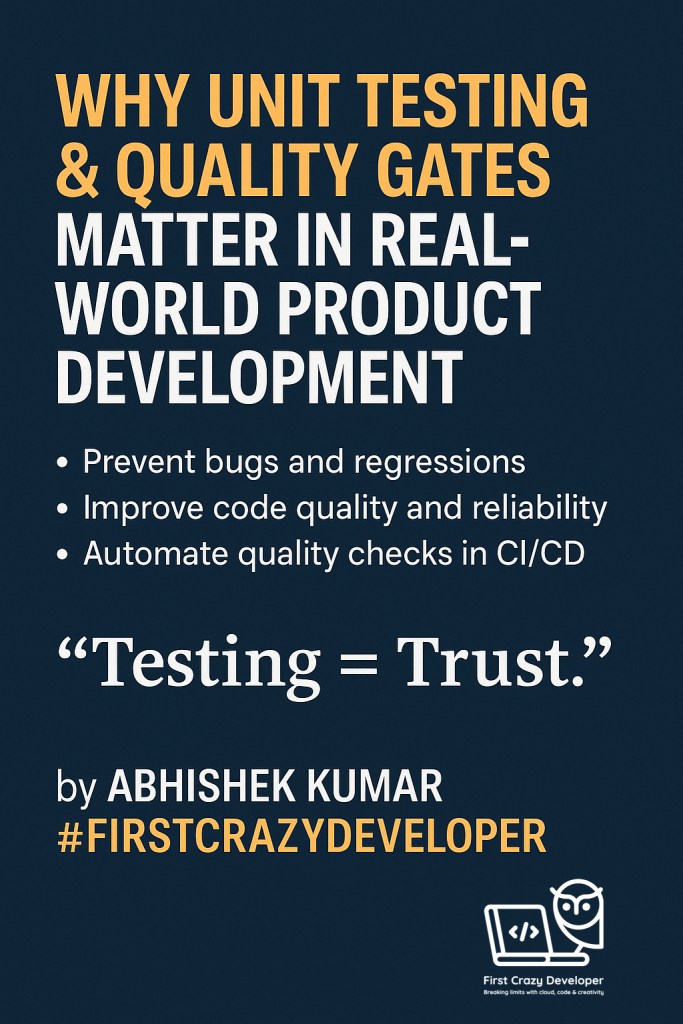
Testing + Quality Gates = Trust. start testing from day one and never bypass your gatekeeper.
A well-tested .NET service earns confidence from Devs, testers, and management. My advice: start small (unit tests), scale to integration tests, and enforce quality gates in CI/CD. That’s how real-world enterprise projects achieve reliability.
In real projects, they:
Prevent costly rollbacks
Build team confidence
Save hundreds of QA hours
Establish trust with stakeholders
Code without tests is just a liability waiting to happen. Start small, automate often, and let your quality gates guard your product like a gatekeeper.

 First Crazy Developer
Leave a comment